
If you’ve received a branding pack from us, you’ve heard us ask: “Have you got Canva?”
And in the medical field, many people are still surprised to discover this platform (one of the most widely used design tools in the world).
So, what is Canva?
Canva is an easy-to-use online design platform that allows practices to edit and manage branded materials without needing design experience. From social media posts and presentations to email signatures and patient-facing documents, it gives clinics more flexibility to keep their materials up-to-date.
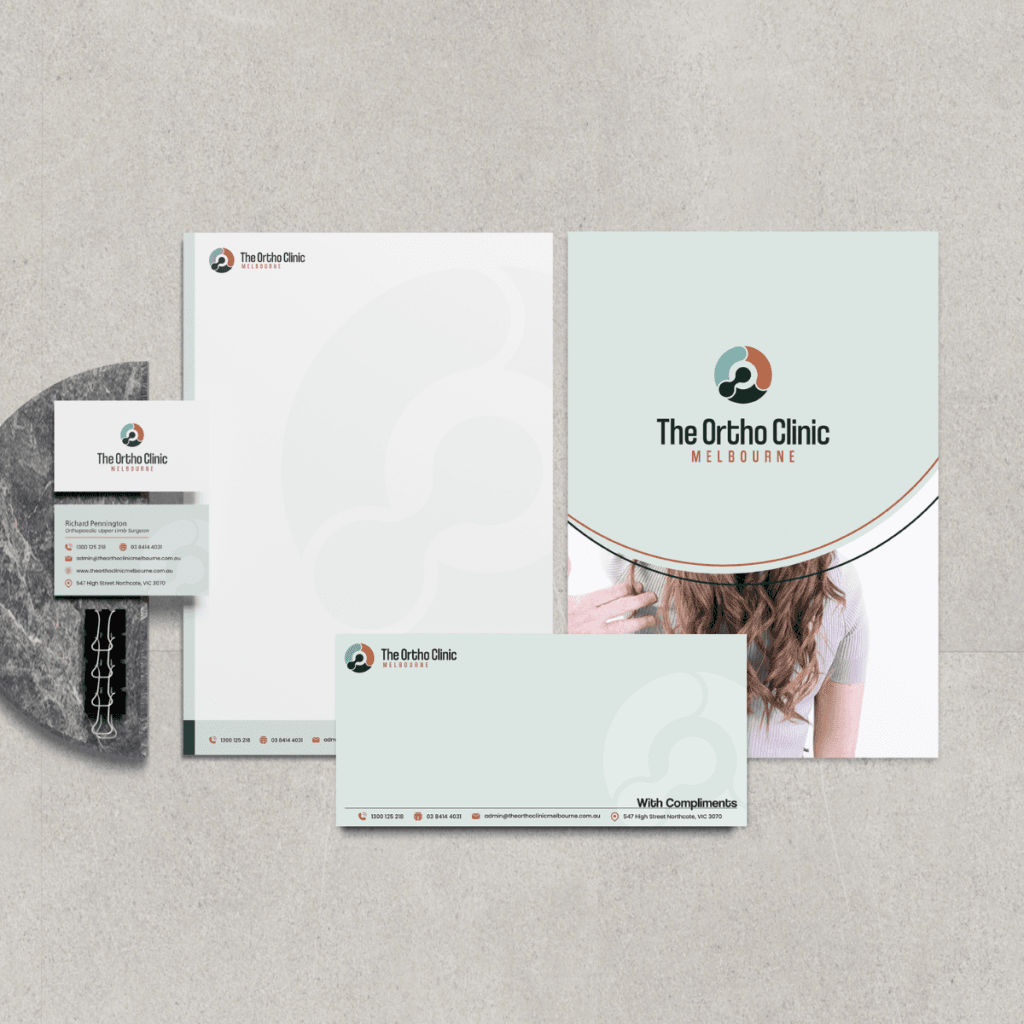
In our branding packs, we intentionally build key assets in Canva including email signatures, business cards, and social media templates, so your team can easily update and manage them as your organisation grows.
For example, as new staff join your practice, you can simply duplicate and update an email signature or business card template without needing to go back to a designer each time. This keeps things efficient, consistent, and scalable.
We also create branded social media templates as part of your pack. Having a designer set these up ensures your fonts, colours, spacing, and layout remain consistent across all content, even when multiple team members are posting.
Canva vs Adobe: when do we use what?
From a design perspective, both Canva and Adobe serve important but different purposes.
Canva
Best for:
- Social media templates
- Staff email signatures
- Business cards
- Quick in-house updates
- Team collaboration
Strengths: Easy to use, editable, collaborative.
Limitations: Less suited to highly detailed or technically complex design work.
Adobe
Best for:
- Logo creation
- Brand identity development
- High-end marketing collateral
- Complex layouts
- Bespoke creative work
Strengths: Greater flexibility, precision, and creative control for designers.
At Medical Sphere, we often use a hybrid approach- designing foundational brand assets in Adobe for quality and precision, then adapting selected materials into Canva so your team can easily make day-to-day updates. However, it’s important to note that not all design elements translate perfectly between platforms. Layers, effects, and formatting can sometimes require additional adjustments to ensure everything still looks polished and professional once transferred.
Which one is right for you?
There is no one-size-fits-all answer. The right platform depends on how often your team needs to update content, who will be managing it, and the complexity of the asset itself.
The goal is not choosing Canva or Adobe — it’s using the right tool in the right way. Our team can guide you through the best approach, so your branding remains professional, practical, and easy to maintain as your practice grows.